Transportation Software
What is E-Way Bill in GST? Complete Guide for Small Transporters in India
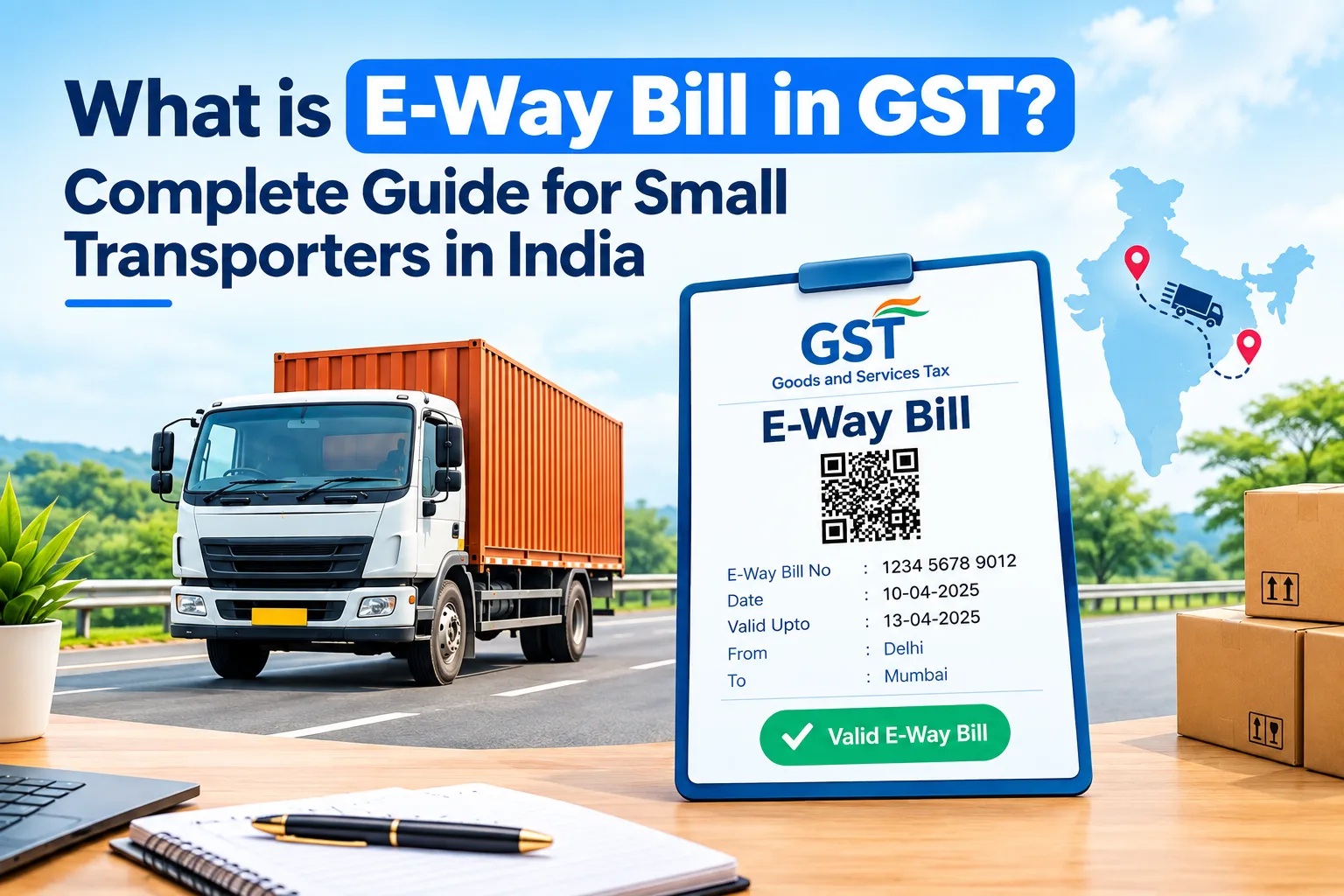
India generates lakhs of E-Way Bills every day. This shows how important the E-Way Bill in GST has become for Indian logistics. It also shows how easily mistakes can happen at this scale.
For a small transporter, an E-Way Bill is not just paperwork. It decides whether your truck keeps moving or gets stopped at a checkpoint. When it is correct, your trips run smoothly. When it is wrong, the result is immediate. Common problems include a wrong GSTIN, an expired E-Way Bill, or Part B not updated. These can lead to vehicle detention, seized goods, and heavy penalties.
The problem is that most small transporters still manage E-Way Bills manually. They log in to the portal separately, type invoice details again by hand, and track expiry dates for many trips without any reminder system.
This guide explains everything in simple steps:
What an E-Way Bill is
Who must generate it
When it is mandatory
Which documents you need
How to generate it
Which mistakes to avoid
An E-Way Bill (Electronic Way Bill) is a digital document you generate on the official E-Way Bill portal (ewaybillgst.gov.in) before moving goods. It is required when the consignment value is more than ₹50,000. It contains details of the goods, the supplier, the recipient, and the vehicle carrying the goods.
Every E-Way Bill has two parts:
Part A: Shipment details, such as the invoice, GSTINs, goods and value.
Part B: Transport details, mainly the vehicle number.
The E-Way Bill system started in April 2018 under GST. Before GST, each state had its own forms. A truck crossing four states needed four different sets of documents. The E-Way Bill replaced all of them with one single electronic document that is valid across India.
The main goals of the E-Way Bill are:
Track the movement of taxable goods
Improve GST compliance
Reduce tax evasion
Make interstate transport faster and simpler
Whether you own one truck or a large fleet, understanding E-Way Bill rules is now a basic part of running a transport business in India.
It depends on who is moving the goods.
Registered Supplier: A GST-registered supplier sending goods worth more than ₹50,000 must generate the E-Way Bill before dispatch.
Registered Recipient: If the recipient arranges the transport, the recipient generates the E-Way Bill.
Transporter: If neither the supplier nor the recipient has generated it, the transporter can do so. The transporter uses the invoice or delivery challan details along with their Transporter ID.
Special Cases: E-Way Bills are also needed for job work movements and for goods sent by unregistered suppliers to registered buyers. Some third-party logistics movements also require one.
Many compliance problems happen because everyone assumes someone else has generated the E-Way Bill. Always confirm who is responsible before the truck leaves.
For interstate movement, an E-Way Bill is required when the consignment value is more than ₹50,000, no matter how short the distance.
For movement within one state, each state sets its own limit. Some states use a different limit from ₹50,000. If you operate within a single state, check your state's latest notification before dispatch.
Some goods do not need an E-Way Bill. Examples include certain agricultural produce, currency, and other items listed in GST exemption notifications. Always check the latest list. Do not assume that no E-Way Bill is needed.
If goods move up to 50 km within the same state, from the consignor's place to the transporter's place, Part B (vehicle details) is not required. Part A is still required. This rule is useful for businesses that handle city deliveries with Last Mile Delivery Management Software.
For goods moving by rail, air or ship, different rules apply. Always check the GST provisions for your mode of transport.
Validity depends on the distance:
|
Type of cargo |
Validity |
|
Normal cargo |
1 day for every 200 km (or part of it) |
|
Over-dimensional cargo (ODC) |
1 day for every 20 km (or part of it) |
For example, a normal shipment travelling 450 km gets 3 days of validity.
Validity ends at midnight of the last day. If your truck is delayed on a long route, you must extend the E-Way Bill before it expires. This is explained later in this guide.
Keep these ready before you start. It will save time and prevent errors.
Tax invoice or bill of supply: Shows the goods, taxable value, GST amount, and supplier and recipient details.
Delivery Challan: Needed when goods move without a tax invoice, such as for job work, stock transfer, or goods sent on approval.
Transporter ID (TRANSIN): Needed when a third-party transporter generates or updates the E-Way Bill.
Vehicle Number: Needed to fill Part B before road transport starts. Without it, the E-Way Bill is not valid for road movement.
GSTIN of Consignor and Consignee: Check both carefully. Even one wrong digit causes errors.
HSN Code: Classifies your goods under GST. A correct HSN code avoids problems during inspection.
Log in to ewaybillgst.gov.in with your GST credentials. Click "Generate New" and fill in Part A:
GSTIN of supplier and recipient
Invoice number, date and value
HSN code and goods description
Reason for transport
Place of dispatch and delivery
Every detail must match the tax invoice exactly. Any mismatch can lead to vehicle detention, delays, or penalties during inspection.
Complete Part B before the goods leave your premises:
Mode of transport (Road, Rail, Air or Ship)
Vehicle registration number
Transporter ID (if applicable)
Approximate distance
Many transporters skip this step when they are in a hurry. It is also the step that causes the most detentions. An E-Way Bill without Part B is not valid for road movement.
Check all details once more and click Submit. The portal creates a unique 12-digit E-Way Bill Number (EBN). Download the E-Way Bill or share it digitally with the driver. Check that the QR code works before the truck departs.
With Logibrisk, you can skip these manual steps. E-Way Bills are created directly from your invoice data, without logging in to the portal separately. This removes the typing errors that cause most compliance problems.
Even small mistakes can lead to detention, penalties, and delays. Watch out for these:
Wrong GSTIN: One wrong digit in the supplier's or recipient's GSTIN can make the E-Way Bill invalid.
Wrong Vehicle Number: A typing mistake in the vehicle number creates a mismatch during inspection.
Part B Missing: Filling only Part A is not enough for road movement. Update Part B before the vehicle starts.
Expired E-Way Bill: On long routes, delays can make the E-Way Bill expire if nobody is tracking it.
Wrong HSN Code: An incorrect HSN code can cause GST reconciliation problems and extra checks.
Invoice Value Mismatch: The value in the E-Way Bill must exactly match the tax invoice, including taxable value and GST.
Moving goods without a valid E-Way Bill can attract a penalty of ₹10,000 or the tax evaded, whichever is higher. The vehicle and goods can also be detained. In detention cases, the penalty for releasing goods can go up to 200% of the tax payable.
GST Billing Software that is connected to your dispatch system helps prevent these mistakes. It checks invoice data, vehicle details, and E-Way Bill details before dispatch. Errors are caught in your yard, not at a checkpost hours later.
Sometimes you need to cancel an E-Way Bill, change the vehicle, or extend validity. Here is how each works.
You can cancel an E-Way Bill if:
The goods are not transported
The shipment is cancelled
Wrong details were entered
Cancellation is allowed only within 24 hours of generation. It is also not allowed if a GST officer has already verified the E-Way Bill during transit.
If goods move to another vehicle, the transporter must update Part B with the new vehicle number before the journey continues. This can happen due to a breakdown, a route change, or any other reason. Use the "Update Vehicle Number" option on the portal.
The generator or transporter can extend an E-Way Bill from 8 hours before expiry up to 8 hours after expiry. The total validity cannot go beyond 360 days from the original generation date.
Tracking expiry dates, vehicle changes, and cancellations by hand is difficult. Logistics ERP Software handles these tasks automatically with real-time alerts and one central compliance record.
As your shipments grow, handling E-Way Bills manually takes more time and causes more errors. A logistics ERP generates E-Way Bills automatically from invoice data, so you never type the same details twice.
Transport Management Software (TMS) brings dispatch planning, vehicle allocation, and E-Way Bill generation into one workflow. It also gives you expiry alerts, automatic updates, and all compliance records in one place.
If you run your own fleet, a fleet management system connects vehicle tracking, driver assignment, and E-Way Bill generation. When a vehicle is dispatched, its E-Way Bill is already created and attached to the trip record.
|
Factor |
Manual Process |
Logistics Software |
|
Data entry |
Typed again by hand |
Auto-filled from invoice |
|
Error risk |
High |
Checked automatically |
|
Expiry tracking |
Manual |
Real-time alerts |
|
Extension |
After the problem happens |
Before expiry |
|
Compliance records |
Scattered |
Central and audit-ready |
To learn more, read our guide on why Indian transporters need GST-integrated logistics software.
Logibrisk brings dispatch, billing, fleet operations, and GST compliance together on one platform built for Indian road freight.
With Logibrisk, you can:
Generate E-Way Bills automatically from invoice data, with no separate portal login
Get real-time expiry alerts for your whole fleet
Extend validity in one click from your dashboard
Update vehicle details instantly when a breakdown needs a vehicle change
Create GST-compliant invoices with the correct rates and HSN codes applied automatically
Access audit-ready compliance records for every trip, anytime
Logibrisk has handled more than 1 billion shipments and is trusted by 500+ enterprises across India. It manages E-Way Bill compliance for FTL, PTL, express cargo, and multi-state operations. Onboarding takes just 5 working days. Your team can generate E-Way Bills automatically from the first week.
For small transporters, E-Way Bill compliance is not back-office work. It directly decides whether your vehicles keep moving or get stopped at a checkpost.
The rules themselves are simple. The real problem is managing them manually across many trips, vehicles, and states. That is where mistakes happen. In 2026, GST systems check more details automatically than ever before, so there is very little room for manual errors.
Still generating E-Way Bills manually? Automate GST billing, dispatch planning, fleet tracking, and E-Way Bill generation with Logibrisk. Book a Free Demo and see how much time your transport business can save.
An E-Way Bill is an electronic document generated on the E-Way Bill portal before moving goods worth more than ₹50,000. It contains shipment, party, and vehicle details, and it must travel with the goods for the entire journey.
The E-Way Bill helps the government track the movement of goods and make sure GST is paid on them. It also makes transport easier for businesses. One digital document works across all states, so you don't need separate state forms or long checkpost paperwork. For transporters, this means fewer delays and faster interstate trips.
Usually the supplier generates it. If the recipient arranges the transport, the recipient generates it. If neither has done so, the transporter can generate it.
Yes. A transporter can generate an E-Way Bill using their Transporter ID (TRANSIN) and the invoice or delivery challan details from the supplier. If the supplier has not generated it and the goods are handed over for transport, the transporter must generate it before the trip starts. Transporters are also responsible for updating Part B with the vehicle number, including when goods move to another vehicle.
Log in to the official portal at ewaybillgst.gov.in and click "Generate New." Fill Part A with the invoice, GSTIN, HSN code, and delivery details. Then fill Part B with the mode of transport and vehicle number, and submit. The portal gives you a 12-digit E-Way Bill Number, which you share with the driver. You can also generate E-Way Bills automatically from your invoice data using logistics software like Logibrisk, without logging in to the portal.
You need a tax invoice or delivery challan, the GSTIN of both parties, the HSN code, the vehicle number, and a Transporter ID if applicable. All details must match the invoice exactly.
For normal cargo, it is valid for 1 day for every 200 km. For over-dimensional cargo, it is valid for 1 day for every 20 km. If the trip is delayed, you can extend it from 8 hours before to 8 hours after expiry.
Yes, but only in certain cases:
When the consignment value is ₹50,000 or less. For movement within one state, check your state's own limit.
When the goods are exempt under GST notifications, such as certain agricultural produce and currency.
When goods move by non-motorised vehicles, such as a handcart.
In all other cases, moving goods without a valid E-Way Bill can lead to vehicle detention and a penalty of ₹10,000 or the tax evaded, whichever is higher.
Yes, within 24 hours of generation, as long as a tax officer has not already verified it during transit.